
Computing / Buying guide
A smarter setup starts here
Choose a laptop, sound and lighting around the way you actually spend your day.
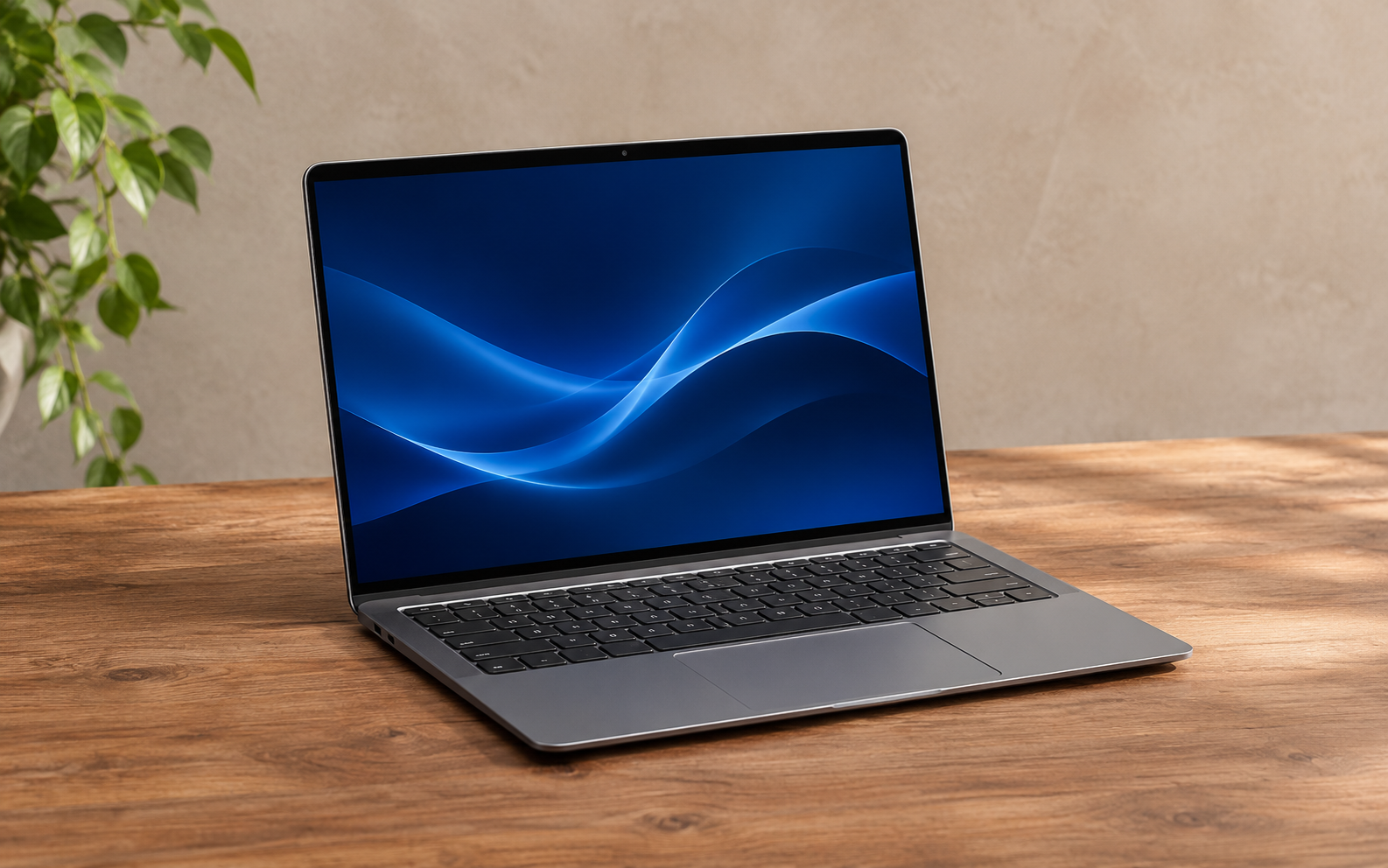
Editorial basis: general buying analysis, not a hands-on product test. Images are AI-generated illustrations and do not identify a specific model.
Begin with your actual work
A useful computer setup starts with the tasks you repeat. Writing, browsing and video calls place different demands on a machine than editing large video projects or working with complex three-dimensional scenes. List your essential applications before comparing devices. Check their published system requirements and leave room for the work you expect to do next.
Choose a laptop you can live with
Look beyond a processor name. Keyboard feel, screen reflections, port placement and the weight of the charger can matter every day. If you can, try a keyboard and screen in person. Check the exact configuration being sold: memory, storage and panel options can vary within one product family. A model name alone is not enough to compare two listings.
Keep sound in the plan
A headset can make calls easier in a shared room, while speakers may be more comfortable in a private space. Think about microphone performance, long-session comfort and how easily the device switches between your computer and phone. Check whether the connection you intend to use supports the features you need.
Make lighting comfortable
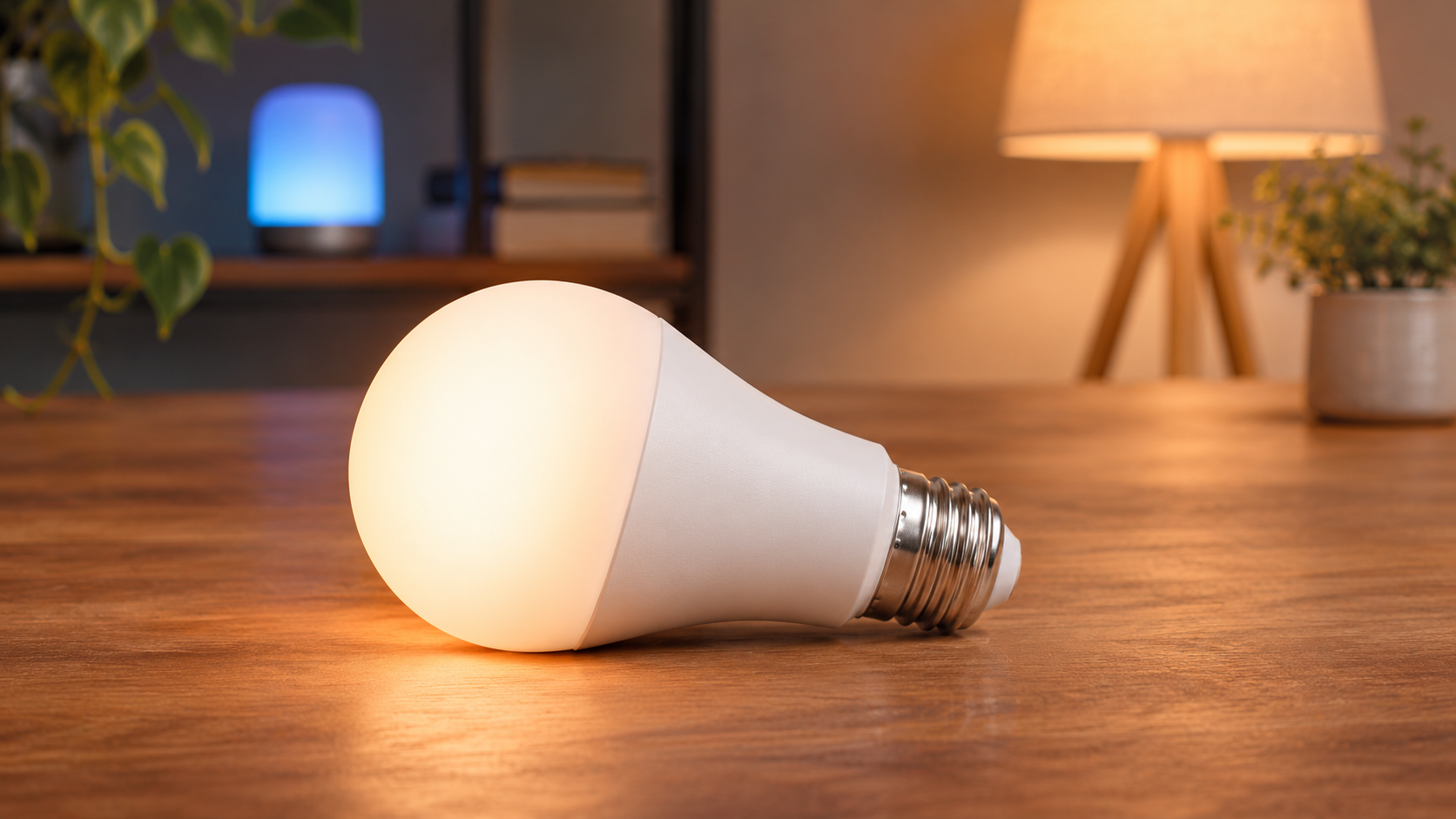
Place your screen to reduce reflections and use task lighting when the room is dim. Smart lighting adds scheduling and remote control, but a reliable physical switch is still valuable. Start with one light and confirm its ecosystem requirements before buying multiple devices.

What this approach does well
Planning around real tasks can avoid unnecessary upgrades and help you spot limitations before purchase. The trade-off is that there is no universal specification that guarantees a good setup: preferences, applications and workspace constraints differ.
Who it suits, and our conclusion
This guide suits people building an everyday work or study space. Specialist workloads need application-specific research. Choose the machine that supports your essential tasks, then improve the parts of your workspace that you notice most often. A balanced setup is usually more useful than one impressive specification.
Before you buy
- Check the exact model and configuration.
- Read the manufacturer’s compatibility and support information.
- Confirm the seller, warranty, return conditions and final price.
Questions or corrections? Contact the editorial team.